Access your keychain
Log in to your keychain directly, or click ‘My Accounts’ if you are already logged into another OneFile account.
Open the keychain settings
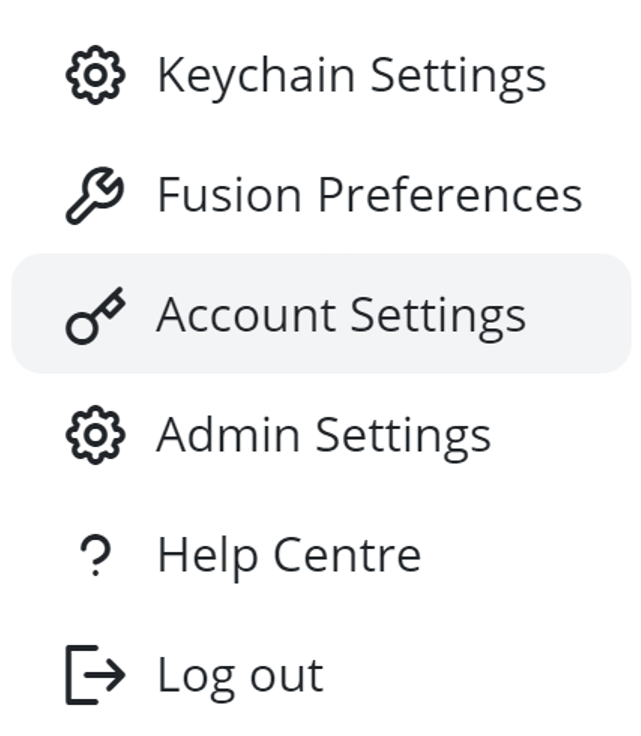
Click on your name in the top-right corner of the page and select ‘Keychain Settings’ from the dropdown menu.
Update your email address
Edit the ‘Keychain Email Address’ field and click save.
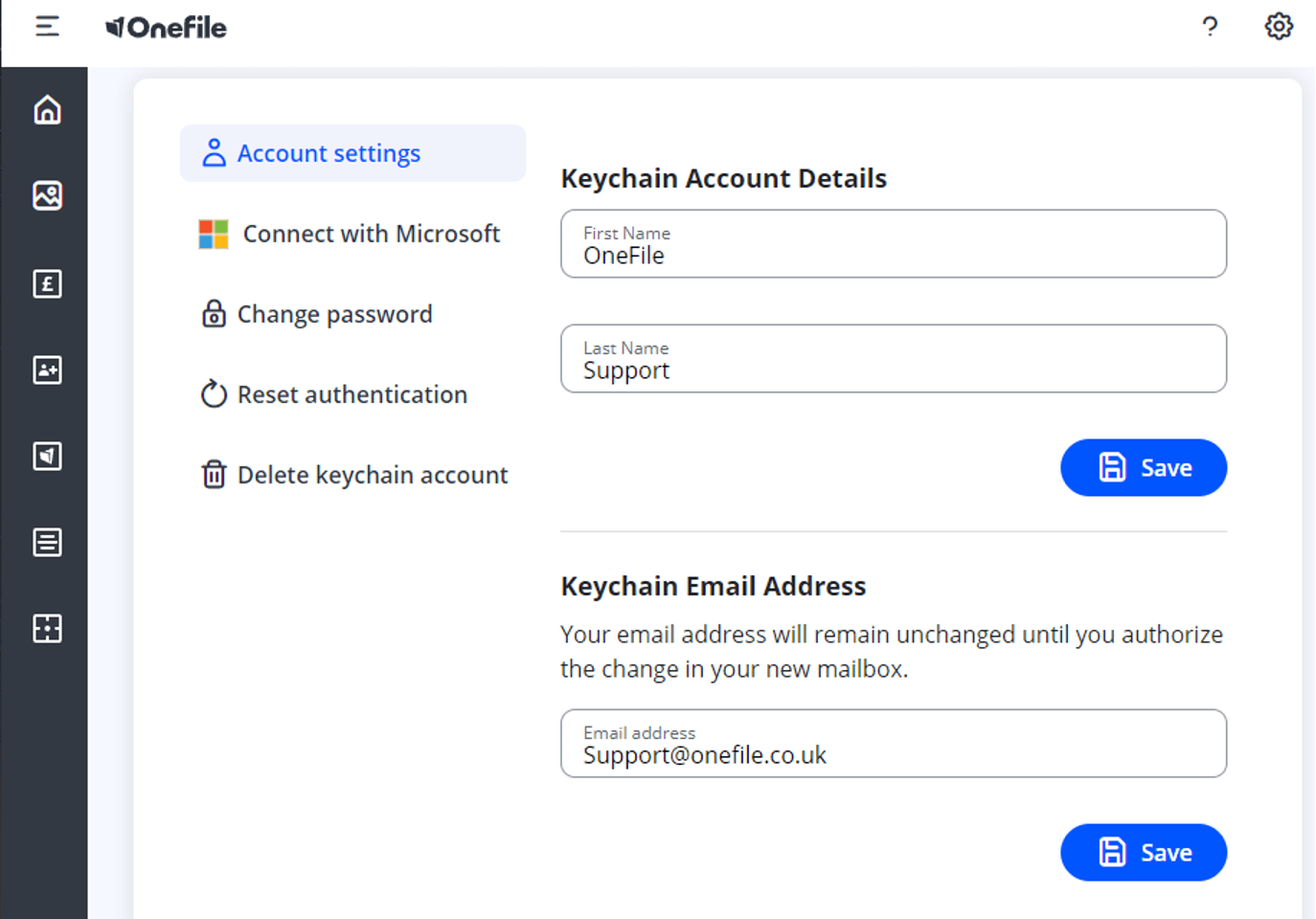
After saving, you can log in using your new email address as your username.
Troubleshooting tips
We recommend updating your email address in keychain before your old email address becomes inactive to avoid log in issues.
| Issue | Solution |
| Cannot log in with new email | Ensure you clicked save after updating the email address |
| No access to old email | You can still update your keychain email as long as you can log into OneFile. |
| No access to old email and cannot remember keychain password | Contact the servicedesk on england.nshcs.digital@nhs.net |